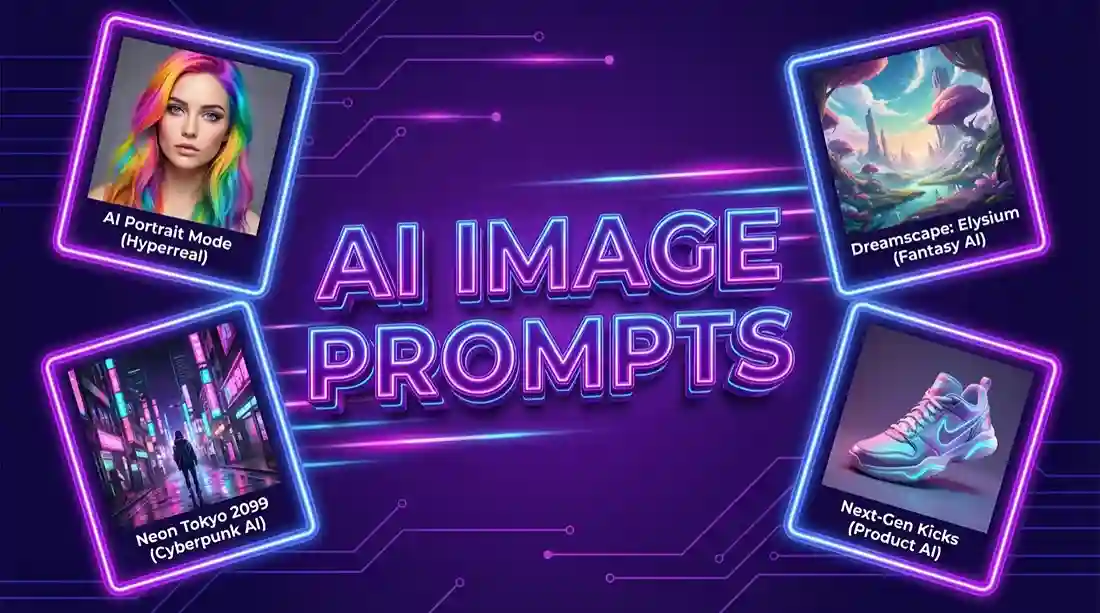
Are you tired of using the same old prompts for your AI images? Looking for fresh, viral-worthy prompts that actually work? You’re in the right place!
Welcome to the largest collection of free AI image prompts. Whether you’re using Midjourney, DALL-E 3, Stable Diffusion, or Leonardo AI, these prompts will help you create stunning, professional-quality images.
What Is This Tool?
The AI Prompt Gallery is a free, dynamic collection of ready-to-use prompts designed specifically for AI image generators. Whether you’re a digital artist, a content creator, a marketer, or just someone experimenting with AI, this tool gives you instant access to hundreds of high-quality prompts.
It is not just a static list. It is a living library that updates daily with fresh ideas, trending styles, and creative concepts from around the world.
What Makes This Gallery Special?
There are many prompt lists out there, but this gallery stands out for several reasons:
1. Daily Updates
The world of AI art changes fast. What was trending last month might be outdated today. That’s why this gallery is updated every single day with new prompts. You will always find fresh ideas waiting for you.
2. Visual Preview
Every prompt comes with a sample image. This is incredibly helpful because you can see exactly what kind of result a prompt produces before you even type it into your own AI tool. The image gives you a clear idea of the style, composition, and mood.
3. One-Click Copy
Found a prompt you like? Just click the “Copy” button. The prompt text is instantly copied to your clipboard. Paste it into your favorite AI image generator (like Midjourney, Leonardo AI, or Bing Image Creator) and watch the magic happen.
4. Interactive Features
- Like Your Favorites: Click the heart button to “like” prompts you enjoy. This helps you remember them.
- Share with Friends: Found something amazing? Use the “Share” button to send a direct link to that specific prompt to your friends or teammates.
5. Mobile Friendly
The gallery is designed to work beautifully on all devices. Whether you are on a desktop computer, a tablet, or your phone, browsing and copying prompts is smooth and easy.
How to Use the AI Prompt Gallery
Using this tool is incredibly simple. Follow these three steps:
Step 1: Browse the Gallery
Open the gallery page. You will see a grid of cards. Each card contains:
- A sample image (showing what the prompt creates)
- The prompt text itself
- Three buttons: Copy, Like, and Share
Scroll through the gallery to explore different styles. You can keep clicking “More Prompts” at the bottom to load additional items.
Step 2: Copy Your Favorite Prompt
When you find a prompt that inspires you, click the “Copy” button.
- A small timer may appear briefly to encourage you to read the prompt carefully.
- After a few seconds, the button will turn green and say “Copied!”—your prompt is now on your clipboard.
Step 3: Generate Your AI Image
Go to your preferred AI image generation tool. It could be:
- Midjourney (on Discord)
- DALL-E 3 (via ChatGPT Plus or Bing)
- Leonardo AI
- Stable Diffusion
Paste the copied prompt into the text box and generate your image. You now have a stunning AI artwork based on a professionally crafted prompt.
Why Daily Prompts Matter
AI image generation is as much about the prompt as it is about the technology. A well-written prompt can turn a bland image into a masterpiece. By providing daily updates, this gallery ensures you:
- Stay Inspired: Never run out of ideas.
- Learn by Example: See how different words and phrases affect the final image.
- Save Time: No more brainstorming from scratch. Just pick, copy, and create.
Who Can Benefit from This Tool?
This tool is for anyone who uses AI image generators:
- Digital Artists: Explore new styles and techniques.
- Content Creators: Generate unique visuals for blog posts, social media, and thumbnails.
- Marketers: Create eye-catching ad creatives and branding materials.
- Hobbyists: Have fun experimenting with AI art.
- Educators: Use examples to teach prompt engineering.
Frequently Asked Questions (FAQs)
1. What is the AI Prompt Gallery?
It is a free collection of ready-to-use prompts for AI image generators like Midjourney and DALL-E. Each prompt comes with a sample image preview.
2. How do I use it?
Browse the gallery, find a prompt you like, click the “Copy” button, then paste it into your favorite AI image generator.
3. Is it really free?
Yes, completely free. No sign-ups, no payments required.
4. How often are new prompts added?
Daily! New prompts are added every day, so you always have fresh ideas.
5. Do I need to download anything?
No download needed. It works directly in your browser on any device.